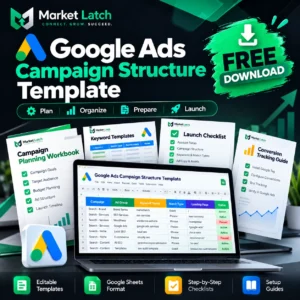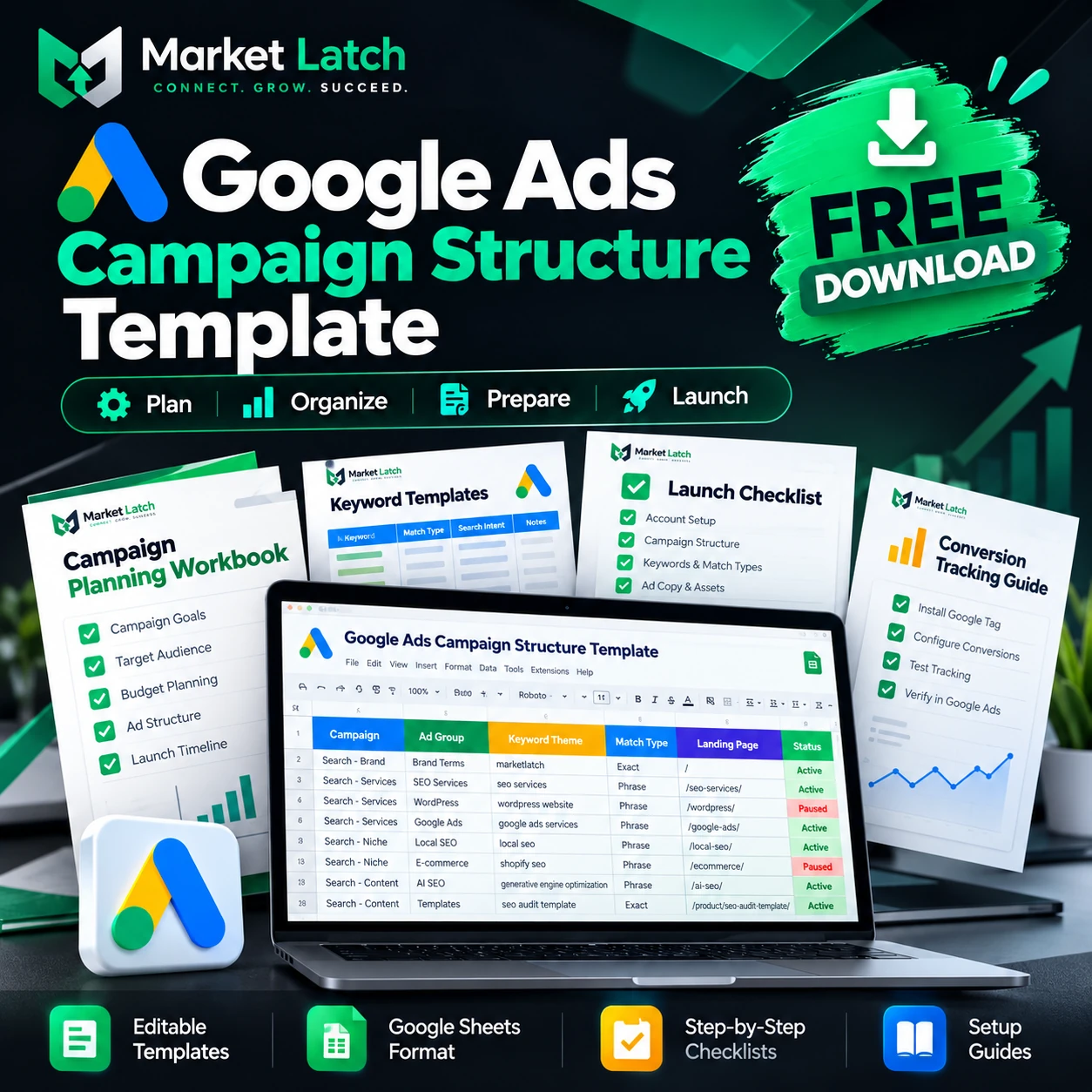
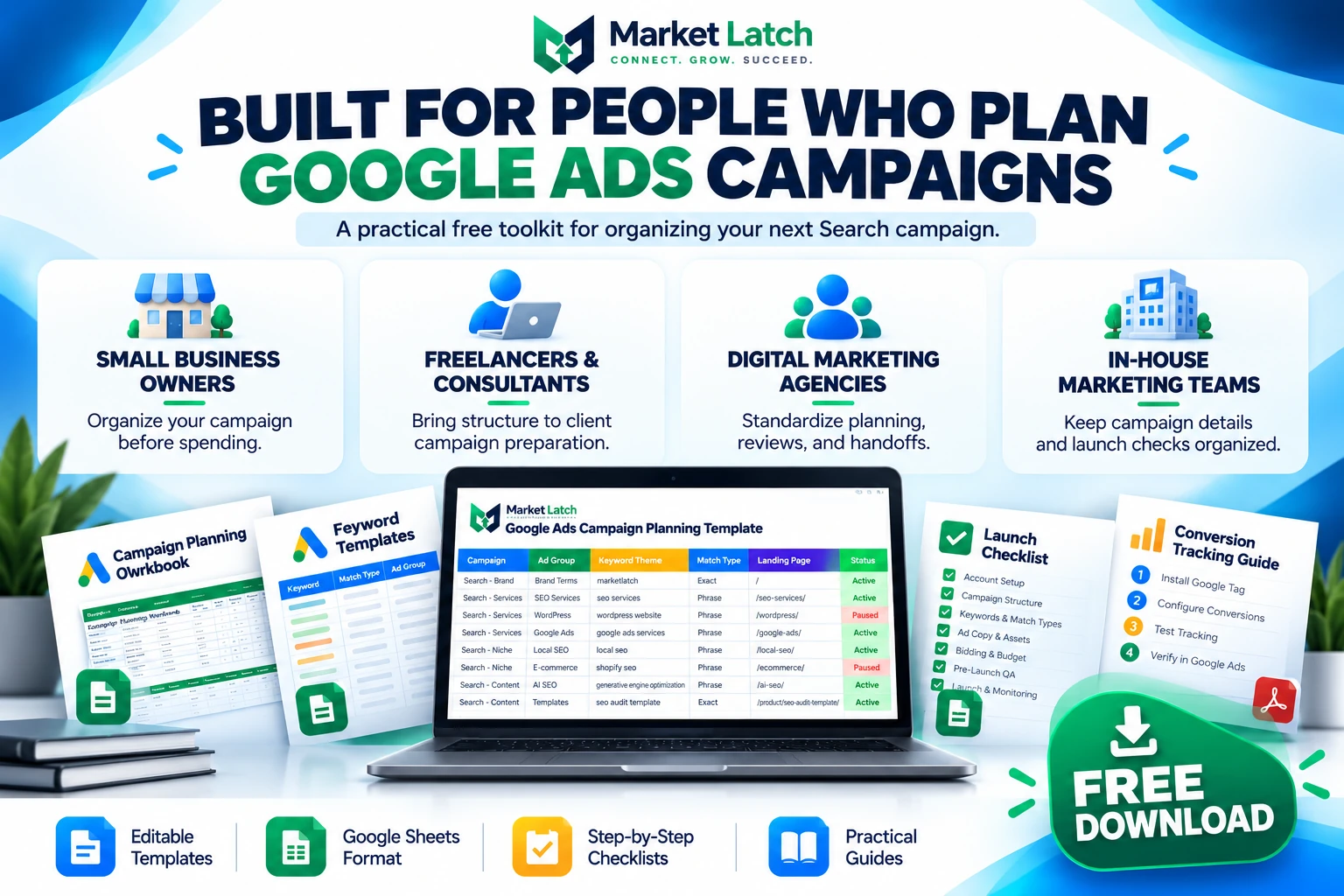
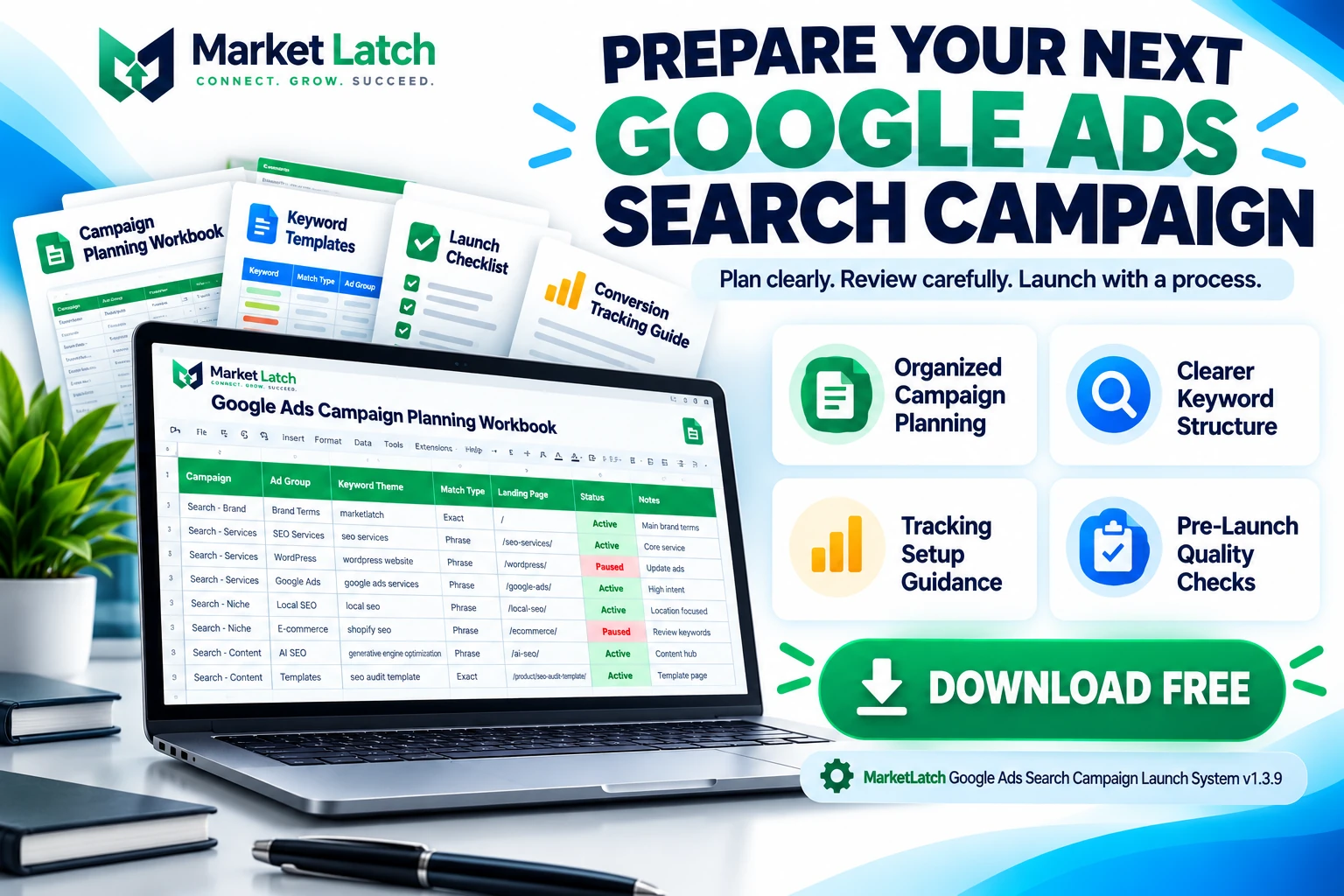
Google Ads campaign structure template resources can help you plan campaigns, organize keywords, prepare search ads, review conversion tracking, and catch setup problems before advertising spend begins. The MarketLatch Google Ads Search Campaign Launch System v1.3.9 brings campaign planning, launch checks, tracking guidance, troubleshooting resources, and handoff documentation together in one downloadable toolkit.
Whether you manage campaigns for your own business, work as a freelancer, support agency clients, or handle paid search in-house, this free toolkit gives you a structured way to think through a Search campaign before implementing it in Google Ads. Instead of relying on scattered notes, disconnected spreadsheets, and memory alone, you can use the included planning resources to organize the information needed for a more controlled launch.
Download the free MarketLatch Google Ads Search Campaign Launch System:
Download the Google Ads Search Campaign Launch System v1.3.9 (ZIP)
What Is a Google Ads Campaign Structure Template?
A Google Ads campaign structure template is a planning resource that helps you organize the main components of a Google Ads account before creating or changing campaigns. Use this Google Ads campaign structure template to map campaign goals, ad group themes, keyword groups, landing pages, budgets, and measurement requirements before implementation. It provides a place to map campaign goals, campaign and ad group themes, keyword groups, landing pages, ad messaging, budgets, measurement requirements, and launch checks.
A clear structure matters because different products, services, locations, and search intentions may need different campaign settings, budgets, ads, and landing pages. A well-organized Google Ads campaign structure template helps you document those relationships before building the account. When unrelated keywords are grouped together, ad messages can become less relevant and it becomes harder to understand which parts of a campaign need attention.
A useful planning process starts with the business objective, moves through keyword and campaign organization, and ends with implementation checks. The MarketLatch toolkit is designed to support that process with a Google Ads campaign structure template that keeps key planning decisions easier to review. It helps you prepare and review your campaign information; it does not automatically create, publish, or optimize campaigns inside your Google Ads account.
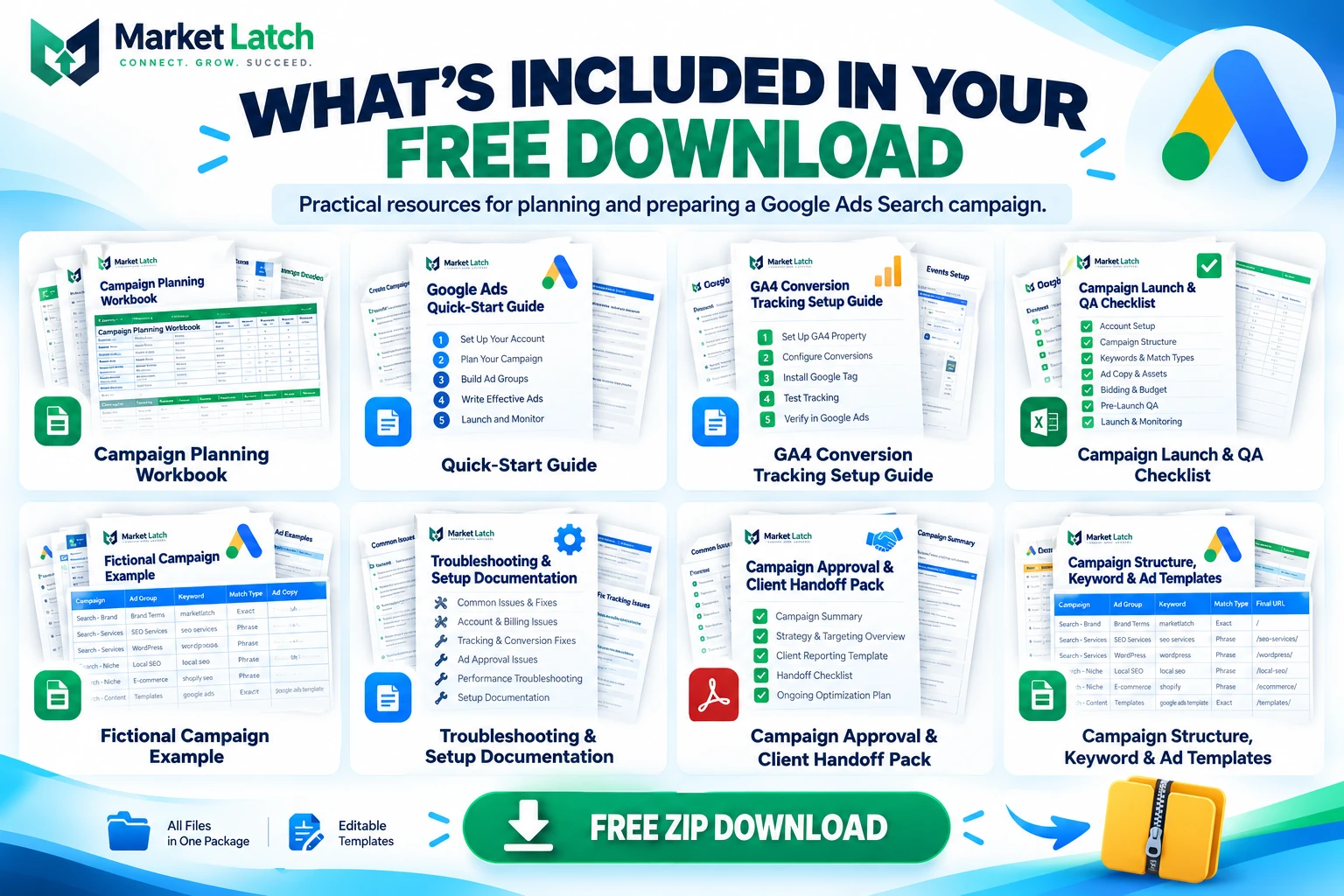
What Is Included in the MarketLatch Launch System?
The package is designed to support the planning and preparation work that happens before a Search campaign goes live. Use the relevant resources for your project and adapt them to your account, business model, and campaign requirements.
1. Campaign Planning Workbook
Use the planning workbook as a Google Ads campaign planning template to organize the information behind your campaign before you begin implementation. A written plan makes it easier to review the objective, intended audience, offer, campaign structure, destination pages, and measurement requirements together.
Start by defining the action you want a visitor to take. Record the objective in your Google Ads campaign structure template so the planned campaign remains tied to a meaningful business outcome. That might be submitting a qualified lead form, calling a business, requesting a quotation, booking an appointment, or purchasing a product. Your campaign structure should support that goal rather than focus only on generating clicks.
Before building, identify the services or products you want to advertise, the locations you can serve, the pages that best match each offer, and the budget available for testing. These decisions provide a foundation for keyword selection and ad messaging.
2. Campaign and Keyword Organization
Keyword organization helps you connect the searches you want to reach with the relevant campaign, ad group, ad message, and landing page. A practical Google Ads campaign template should make these connections easy to review. A practical Google Ads campaign structure template should help you think about those relationships before you spend time building the account.
Group closely related keywords around a clear theme. A Google Ads campaign structure template can help you keep those themes, ad groups, and landing pages aligned as you prepare the campaign. For example, a company advertising several distinct services may need separate ad groups or campaigns when the services have different budgets, destinations, locations, or conversion goals. The right structure depends on the business and the amount of control the campaign requires; creating more campaigns is not automatically better.
Review keyword intent as well as wording. Someone searching for a service provider may be closer to deciding someone looking for a definition or tutorial. Organize keywords according to the intent you want to serve, then check whether the landing page answers that searcher’s needs.
For additional guidance, use Google’s official instructions for adding keywords to Google Ads campaigns. They can help you verify implementation details when you move from planning to account setup.
3. Search Ad Preparation
Writing ad copy is easier when the keyword theme, offer, audience, and landing page have already been considered. Prepare messaging that communicates what you provide, why it is relevant, and what the visitor should do next.
Review each ad against the page it sends people to. If an ad promises a particular service, price, location, or benefit, the destination should make that offer easy to find. Avoid unsupported claims, vague promises, and messaging that does not match the actual customer experience.
Before implementation, check spelling, clarity, destination URLs, calls to action, and the current requirements for responsive search ads. Google can update its advertising features and policies, so confirm the latest requirements in the Google Ads Help Center before launch.
4. Conversion Tracking Setup Guidance
Clicks alone do not tell you whether a campaign is producing useful business outcomes. Measurement should reflect the actions that matter to your organization, such as qualified enquiries, completed purchases, calls, or other meaningful conversions.
Use the included tracking guidance to review your measurement requirements before launch, and record the relevant checks alongside your Google Ads campaign structure template. Confirm which actions should count as conversions, which tools or tags are involved, which pages or events are relevant, and how you will test that the intended action is recorded correctly.
Where Google Analytics 4 is part of your measurement setup, consult the Google Analytics Help Center for current configuration and troubleshooting instructions. Your own website, consent settings, tag implementation, and conversion definitions still need to be checked; a planning document alone cannot confirm that tracking works correctly.
5. Campaign Launch and Quality-Assurance Checklist
A campaign can look complete in a spreadsheet and still contain problems that become apparent only after implementation. Pairing your Google Ads campaign structure template with a final review helps keep planned settings and launch checks connected. A pre-launch review gives you a final opportunity to identify missing information, incorrect destinations, unsuitable settings, and measurement gaps before a campaign starts spending.
Use the Google Ads campaign setup checklist to review the configuration you actually intend to publish. Check that campaign goals are clear, keyword groups are relevant, ad copy matches the offer, landing pages work, budgets and schedules are correct, and conversion measurement has been tested as far as your setup allows.
Also confirm that the account has the necessary billing arrangements, access permissions, and approvals. If someone else will implement the campaign, make sure the handoff includes the final version of the plan and clearly identifies any unresolved decisions.
6. Fictional Campaign Example
A worked example can make a planning process easier to understand, particularly if you are building your first campaign or introducing a consistent workflow to a small team. Use the included example as a reference for how campaign planning information can be organized and reviewed.
Treat illustrative information as an example, not as a recommendation to copy settings blindly. Your actual campaign structure should reflect your market, service area, competition, available budget, website, conversion goals, and business capacity.
7. Troubleshooting and Setup Documentation
When a campaign is not ready to launch, the cause may be a missing decision, an incorrect URL, incomplete measurement, a policy issue, or a configuration problem. Troubleshooting is more efficient when you identify the specific issue instead of changing several settings at once.
Use the documentation to organize questions and identify what needs to be checked next. Keep the Google Ads campaign structure template updated if troubleshooting leads to a change in the approved plan. For platform-specific errors, consult the relevant Google Ads Help documentation and verify the current status inside your account. Do not assume that completing a checklist resolves a platform warning automatically.
8. Campaign Approval and Client Handoff Resources
Freelancers, consultants, and agencies often need to communicate what has been planned, what is ready, and what still needs client approval. A documented handoff can reduce confusion over campaign objectives, budget, landing pages, tracking, responsibilities, and the final launch decision. Include the latest Google Ads campaign structure template with the approved planning documents.
Before handing a campaign over, identify the person responsible for implementation, the person approving the budget, the owner of the landing page, and the person responsible for checking leads or sales after launch. Record any outstanding items rather than treating an incomplete decision as approved.
How to Use the Google Ads Campaign Planning Template
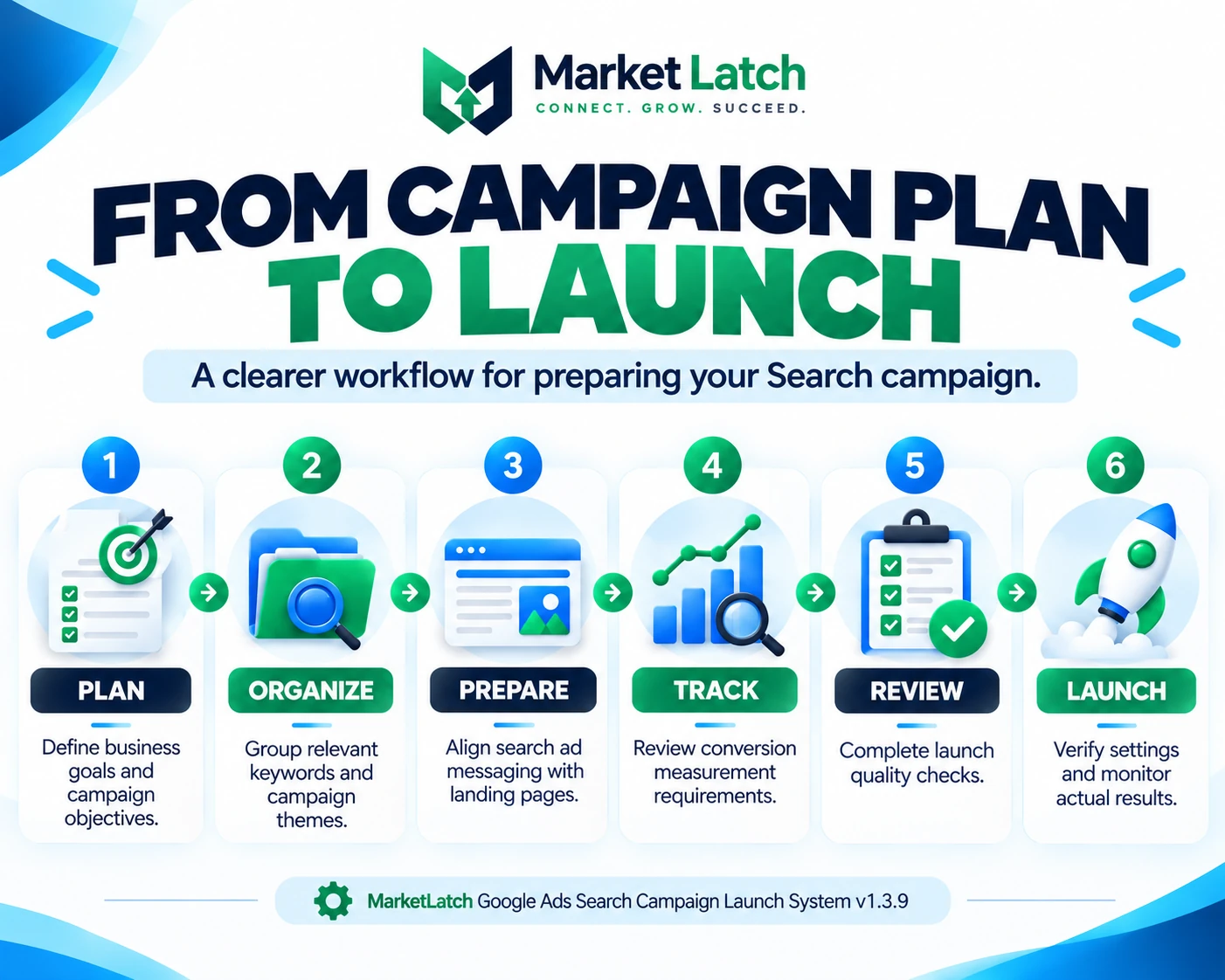
You can adapt the following workflow and this Google Ads campaign structure template to a new Search campaign or use it when reviewing an existing campaign that needs a more organized structure.
Step 1: Define the Business Goal
Decide what the campaign is expected to achieve and how success will be measured. A lead-generation campaign, for example, may need to distinguish between form submissions and genuinely qualified leads. An online store may focus on completed purchases and accurate transaction values.
Be realistic about the available budget, the value of a conversion, the business’s ability to respond to enquiries, and the time needed to gather useful performance data.
Step 2: Map the Offer to the Right Landing Page
Identify the page that best answers the needs of each intended search audience. A service-specific search should normally lead to a relevant service page rather than a generic homepage when a more suitable destination exists.
Check that the page loads, works on mobile devices, explains the offer clearly, and makes the next step easy to understand. A well-organized campaign cannot compensate for a broken page or an unclear offer.
Step 3: Organize Campaigns, Ad Groups, and Keywords
Group related search themes together and decide where separate budgets, locations, services, or objectives require additional campaign separation. Review keyword match types, search intent, and possible irrelevant queries before implementation.
Negative keywords can help prevent ads from showing for searches that do not fit the intended offer, but exclusions require careful review. A negative keyword can also block a relevant search if it is applied too broadly or at the wrong level. Use the MarketLatch negative keywords resource as a supporting reference when reviewing potential exclusions.
Step 4: Prepare and Review the Ads
Write ad messaging for each meaningful keyword theme. Make the offer clear, use a relevant call to action, and check that the destination supports the claims in the ad. Confirm the final URL and review the latest advertising policies before publishing.
Step 5: Confirm Budget, Schedule, and Targeting
Review the daily budget, campaign dates, geographic targeting, language settings, and other campaign controls that apply to your business. Check the account time zone and scheduling requirements where they matter. Avoid selecting settings simply because they were used in another account; confirm that each one fits your own campaign.
Step 6: Check Conversion Measurement
Identify the actions that matter, verify the intended conversion configuration, and test the relevant user journey. Where possible, confirm that conversions are recorded as expected and that duplicate or unintended events are not inflating results.
Step 7: Complete the Final Launch Review
Review the actual campaign configuration, not just the original plan. Confirm that the settings, ads, keywords, landing pages, tracking, and budget match the approved version. Resolve launch-blocking issues before publishing, and record any non-blocking issues that still need follow-up.
Step 8: Monitor Results After Launch
Launching a campaign is the beginning of measurement, not the end of the process. Keep your Google Ads campaign structure template available as a reference when reviewing the planned setup against actual delivery and conversion data. Monitor delivery, search terms, clicks, conversion activity, lead quality, and spending against your objectives. Use real account data to decide whether a change is needed, and avoid drawing strong conclusions from a small or unrepresentative sample.
Who Can Benefit From This Free Toolkit?
- Small business owners: Organize campaign goals, budgets, keywords, landing pages, and launch checks before managing paid search.
- Freelancers and consultants: Use a more consistent planning and review process across client projects.
- Digital marketing agencies: Structure campaign preparation and clarify responsibilities during client approval and handoff.
- In-house marketers: Keep planning, ad preparation, tracking, and quality checks connected in one workflow.
- New Google Ads users: Understand the decisions involved in campaign preparation before working through the platform setup.
- Experienced advertisers: Use the relevant checklists and documentation when standardizing a launch process or reviewing recurring setup tasks.
If you need help beyond campaign preparation, you can also explore MarketLatch Google Ads services and resources for related information about paid search and campaign support.
Pre-Launch Checklist: What to Review Before Spending
Before publishing a campaign, use a Google Ads campaign launch checklist to review the following areas against your real business requirements:
- The campaign has a defined business objective and a meaningful success measure.
- The offer, audience, location, and intended search intent are clear.
- Campaigns and ad groups have a logical structure that supports the objective.
- Keywords are relevant to the advertised product or service.
- Potential negative keywords have been reviewed for relevance and scope.
- Ad messages match the offer and the destination page.
- Final URLs work and lead visitors to the intended content.
- Budget, targeting, schedule, and account settings have been checked.
- Conversion actions and measurement requirements have been reviewed and tested where possible.
- Required approvals, account access, billing, and implementation responsibilities are clear.
- Outstanding problems have been resolved or explicitly documented before launch.
- A plan exists for checking campaign delivery, spend, conversion data, and lead quality after launch.
This review is a practical safeguard, not a guarantee of campaign performance. Actual results depend on factors such as competition, demand, targeting, ad relevance, landing-page quality, conversion measurement, budget, and ongoing management.
What This Download Does—and Does Not—Do
The MarketLatch Google Ads Search Campaign Launch System is a downloadable planning and documentation toolkit. It is intended to help you organize decisions, prepare campaign information, review setup requirements, and follow a more consistent launch process.
It does not connect to your Google Ads account, automatically build or publish campaigns, verify your live tracking configuration, guarantee approval of ads, or promise a particular number of clicks, leads, sales, or return on ad spend. Any spreadsheet or document should be reviewed and adapted to your own requirements before use.
Unless a file is explicitly identified as a compatible import format, do not assume that it can be uploaded directly into Google Ads Editor. Planning templates and platform import files serve different purposes. Always verify the file format and the current platform requirements before attempting an import.
Frequently Asked Questions
Is the MarketLatch Google Ads Search Campaign Launch System free?
Yes. This product is offered as a free downloadable resource. Use the download link on this page to obtain the ZIP package.
What is a Google Ads campaign structure template used for?
It helps organize campaign goals, campaign and ad group themes, keywords, landing pages, ad messaging, budgets, tracking requirements, and launch checks before implementation. It can also provide a consistent reference for reviews and handoffs.
Can beginners use this campaign planning toolkit?
Yes. Beginners can use the planning resources to understand the decisions involved in preparing a Search campaign. However, the toolkit does not replace learning the Google Ads interface, understanding advertising policies, or checking current platform instructions.
Can freelancers and agencies use it for client campaigns?
Yes. The planning and documentation workflow can be adapted to client projects. Review each client’s business goals, approved budget, landing pages, tracking setup, account permissions, and approval process before implementation.
Does the toolkit automatically build a Google Ads campaign?
No. It is a planning and preparation resource, not an automated campaign builder. You remain responsible for entering and verifying the approved settings in Google Ads.
Does using the toolkit guarantee better campaign results?
No template can guarantee clicks, leads, sales, lower advertising costs, or a specific return on ad spend. The toolkit is designed to help organize planning and quality checks. Performance depends on your market, offer, targeting, competition, website, measurement, budget, and ongoing decisions.
Where can I find official Google Ads setup instructions?
Use the Google Ads Help Center for current guidance on campaign creation, keywords, ads, conversion measurement, policies, and account settings. Official documentation should take precedence whenever a platform feature or requirement changes.
Download the Free Google Ads Campaign Launch System
A more organized launch starts with clear goals, a sensible campaign structure, relevant keywords, useful ad messaging, working landing pages, and a review process that checks the details before spending begins.
Download the MarketLatch toolkit and adapt its planning resources to your business or client workflow. Work through the relevant sections, verify the actual account settings, and use real campaign data to guide decisions after launch.
Get the free MarketLatch Google Ads Search Campaign Launch System v1.3.9:
Download the ZIP package
Use the toolkit as a practical starting point for planning, checking, and documenting your next Google Ads Search campaign.